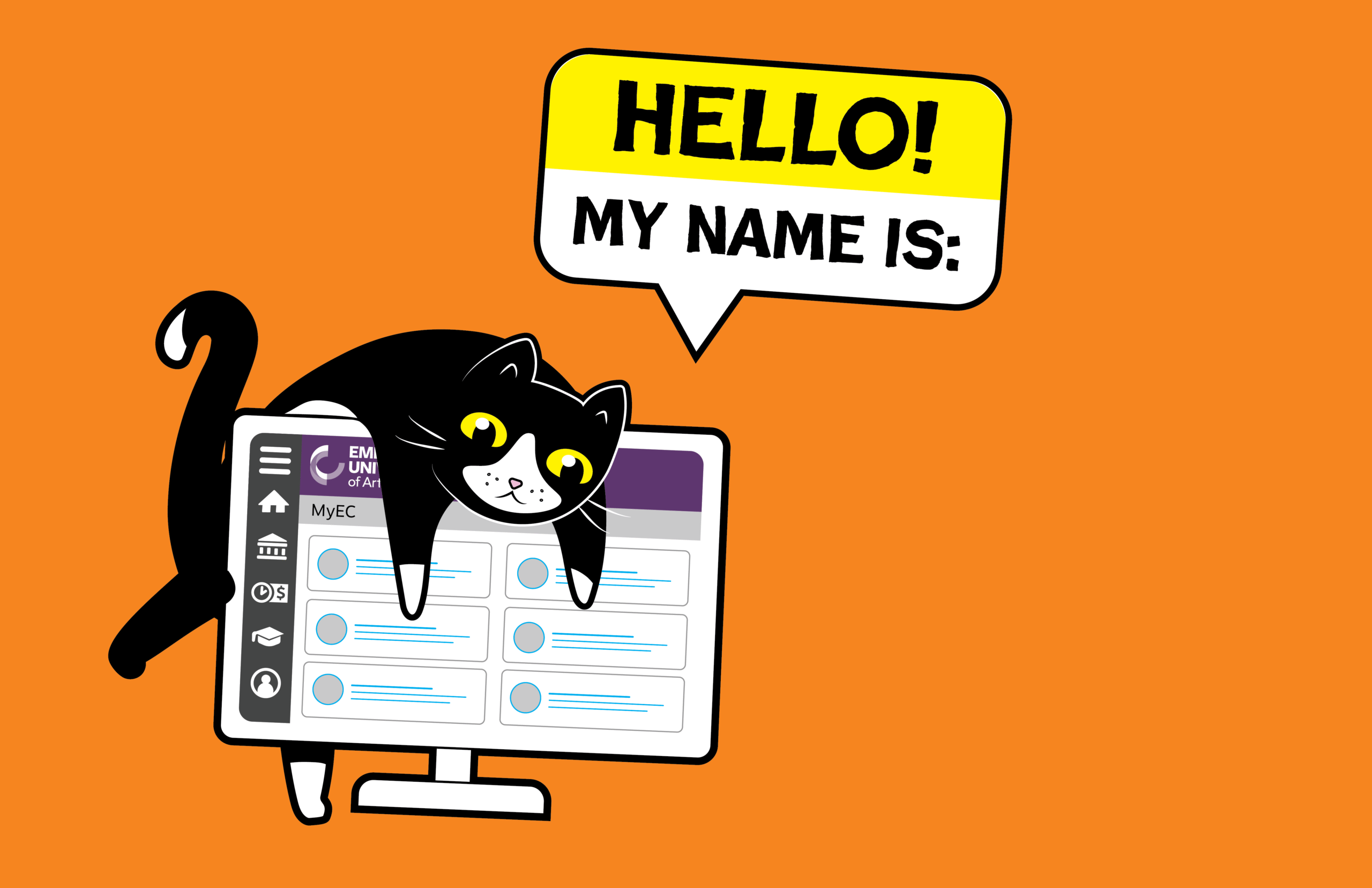
We want to make sure we’re using your correct chosen/cultural name.
Did you know you can update your name in our systems to reflect how you’d like to be addressed across campus?
When you update your chosen or cultural name in MYEC, it will automatically update in our Library system, as well as in Digital Wallet and many other ECU systems.
Here’s how:
- Log in to your MYEC account.
- Select to the ‘My Links/My Account’ tab on the left hand side.
- Choose ‘User Profile’.
- Click ‘Edit Personal Identity’ and enter your chosen/cultural name.
- If you’d like your OneCard updated, request a replacement via the online form!
- Find more details about updating your chosen/cultural name on the ECU website – including screenshots of the process, plus a list of which ECU systems accept name changes via MyEC.
Note that it may take a day or two for all databases to update properly. If you have any questions about chosen/cultural names at ECU, send them to chosenname@ecuad.ca.