Hardware, Software + Printing
IT Services gives you the tools you need to create great things here at ECU. Get started with these resources.

Choosing + Using your Laptop at ECU
Bring your laptop or purchase a new one that meets ECU’s system requirements and can run relevant software. All students get access to Adobe Creative Cloud and Microsoft 365, as well as educational pricing from Apple.
Note: ITS does not support personal laptop hardware or software issues.
Self-Serve Printing
Need a quick and easy way to print on campus? Learn everything you need to know about self-serve printing at ECU—from setup and software to using your OneCard, adding credit and releasing print jobs. You’ll also find troubleshooting tips, printing costs, file setup guides and instructions for requesting a refund.
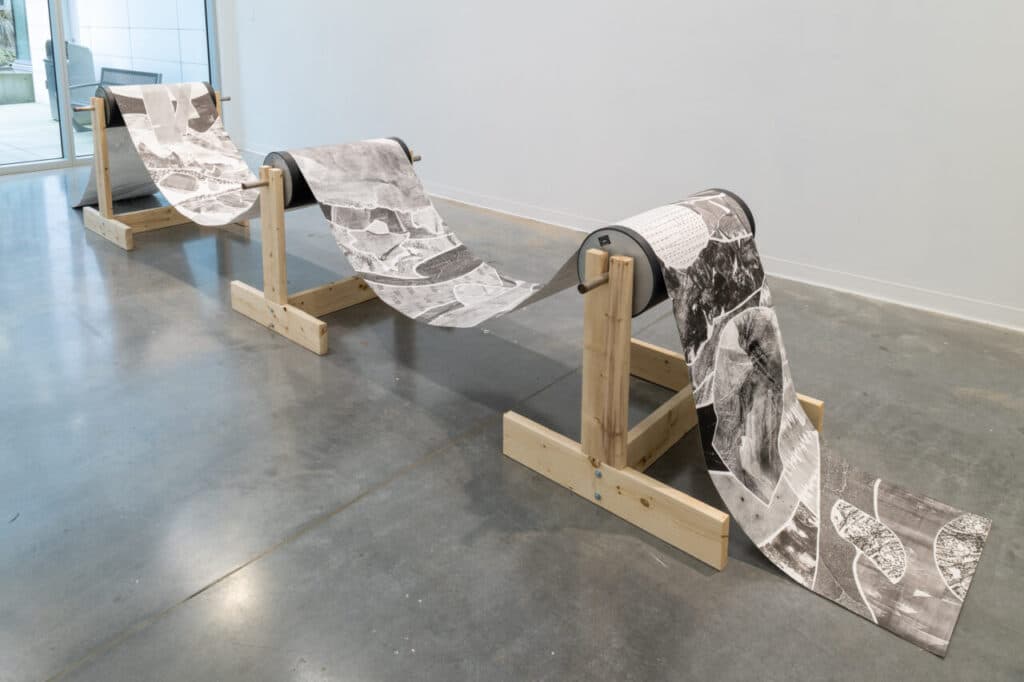
Digital Output Centre
Use the Digital Output Centre (DOC) for both self-serve and full-service specialized printing, scanning and file output. Print directly from campus workstations or work with a technician for large-format prints, vinyl cutting and other production needs.
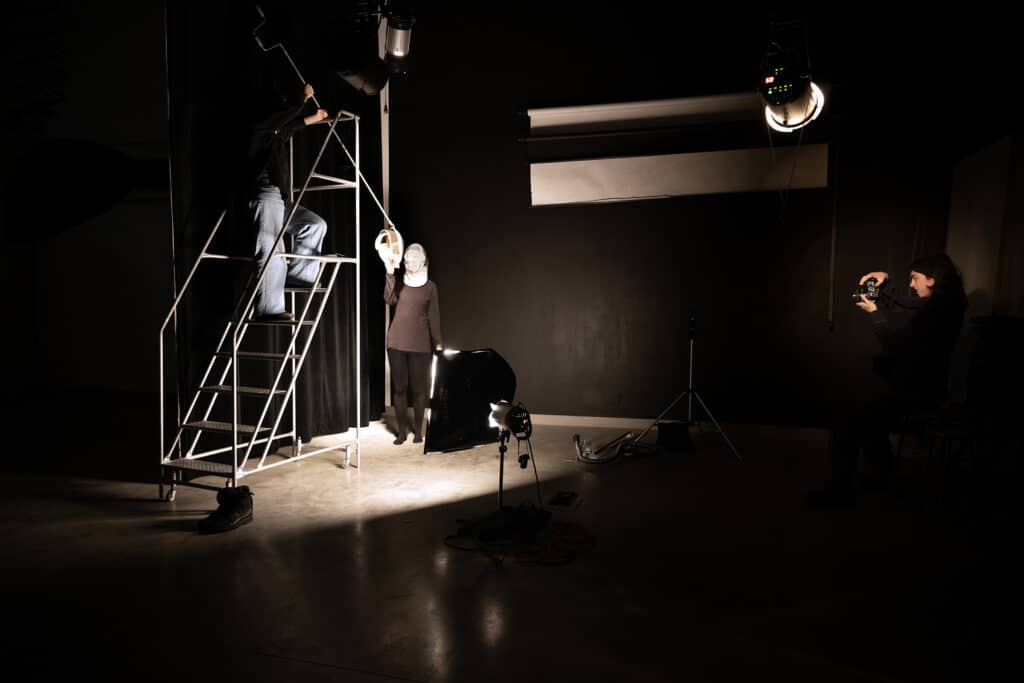
Media Resources Centre
Need equipment for your project, course, or exhibition? The Media Resources Centre provides equipment loans, manuals, and basic support for ECU students, staff, and faculty. Learn how to borrow, what’s available, and how to use it responsibly.
This is your main source for audio, video, photo and presentation equipment at ECU.
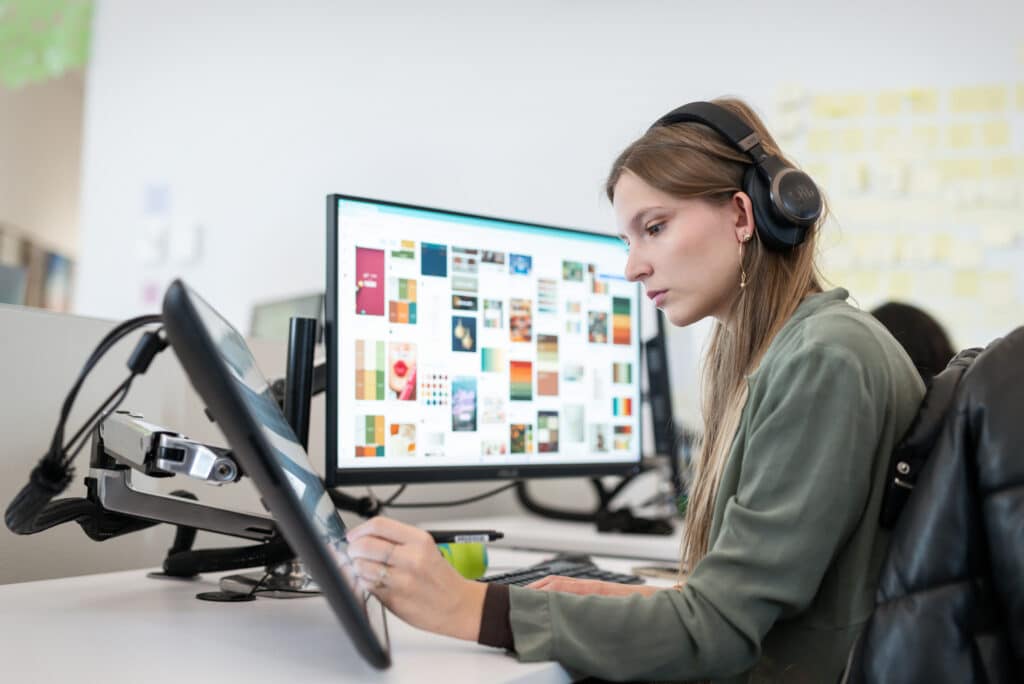
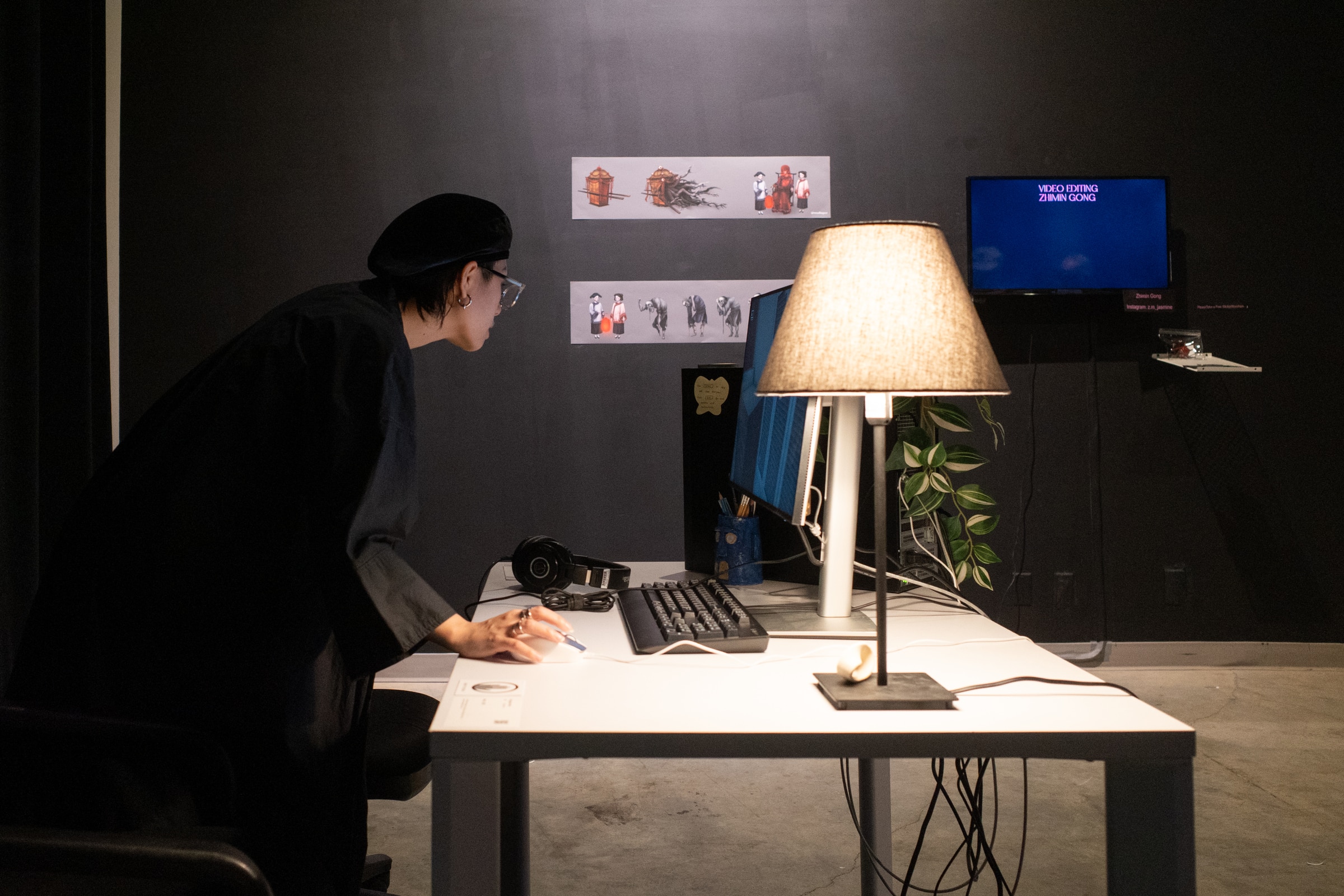
Access ECU’s On-Campus Computer Labs
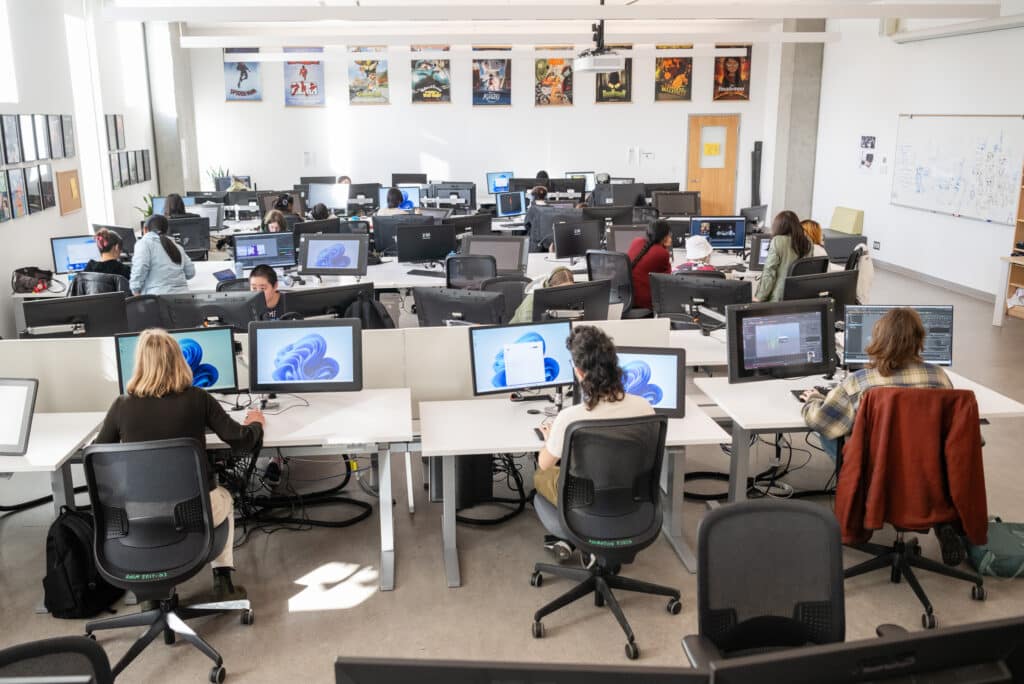
Need access to high-performance computers with the latest creative software? ECU’s on-campus labs are equipped with Mac and PC stations, colour-calibrated monitors, and essential programs like Adobe Creative Cloud. Whether you’re editing video, designing in 3D or finishing coursework, the labs are open to current students, faculty and staff with an ECU login.
Get Adobe Creative Cloud at ECU
All enrolled ECU students have free access to Adobe Creative Cloud on personal and lab computers. Your license includes industry-standard apps like Photoshop, Illustrator, InDesign and Premiere Pro. Use your ECU login to access your account and start creating from anywhere.

Get Microsoft 365 at ECU
All enrolled ECU students have free access to M365 on personal and lab computers.