Welcome to the ECU Library + Archives
Hours
Today 1:00 pm – 5:00 pm
Tomorrow Closed
Acknowledgement of Bias
The Library + Archives at Emily Carr University aims to create records that are inclusive, respectful and do not cause harm to those who interact with our collections. We acknowledge that our existing descriptions and records may contain language that is racist, colonial, homophobic, ableist or that uses other offensive terms that may cause harm. Our team is dedicated to minimize harm through continual reflection and reparations in our language and systems. Read our full Acknowledgement of Bias.
Library + Archives
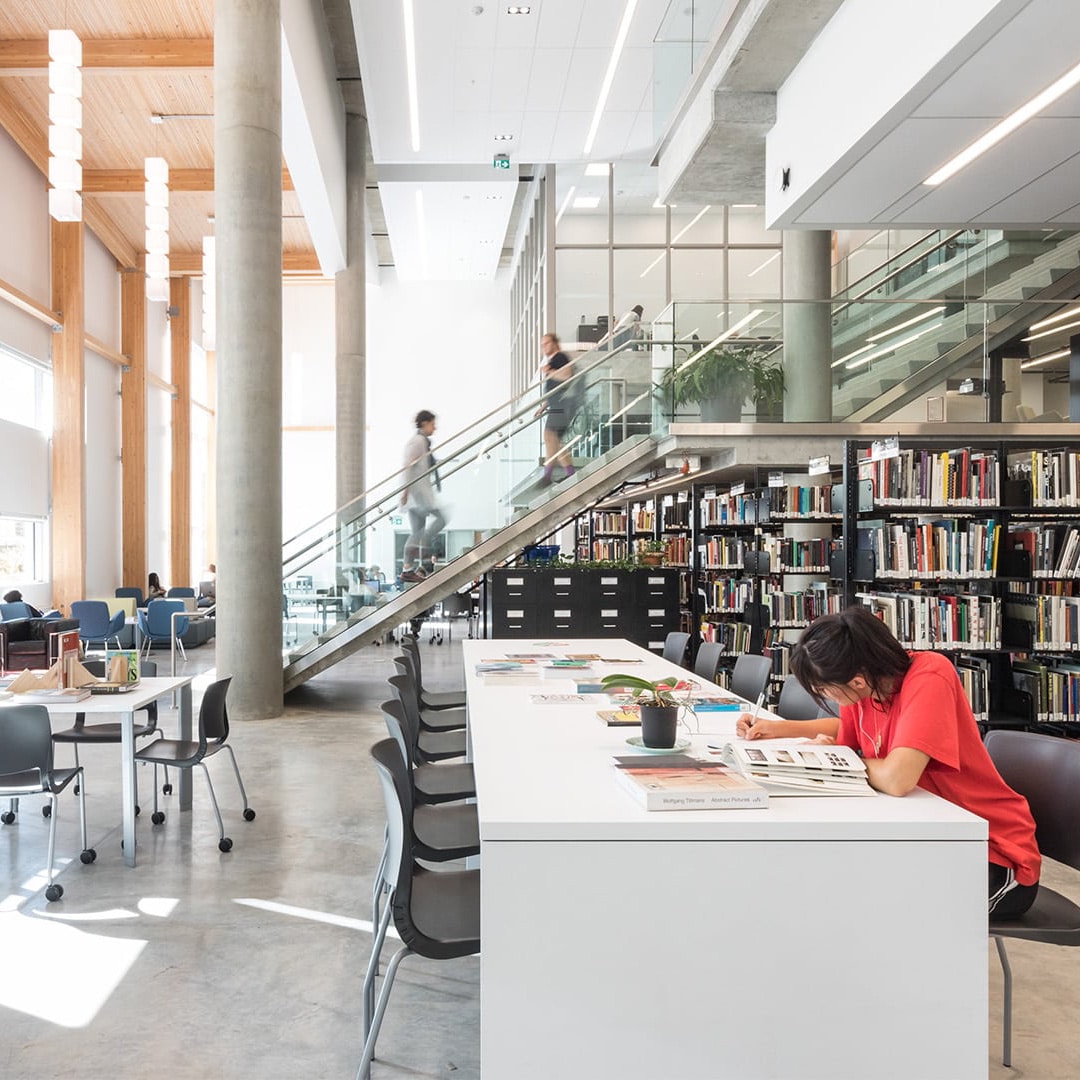
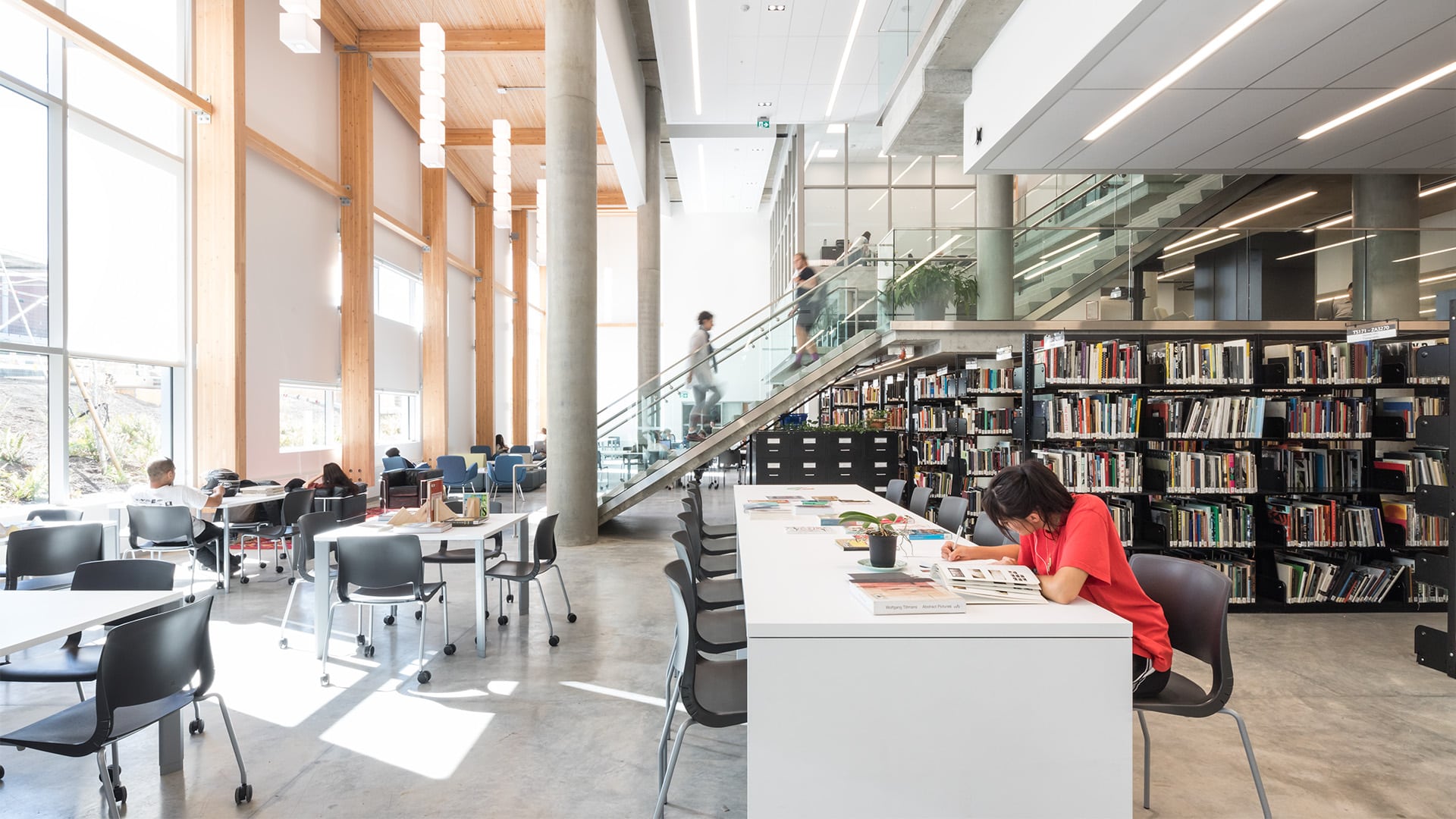
The ECU Library + Archives supports creative exploration, academic work and personal inquiry across the university.
Our library collections focus on contemporary art, media and design, alongside materials that deepen our understanding of art history, cultural theory and critical practice.
The Archives preserves and shares ECU’s rich history, from official records to personal papers.
Our team can guide you in your research, answer questions and connect you with the right tools and resources. We aim to spark curiosity and empower the ECU community to explore, question and create.
Quick Services
Helpful Things
Quick Links
Borrowing Quick Links
Borrowing materials from the ECU Library and finding materials at other libraries.
Research Quick Links
Quick links to get you started on research projects and assignments.
Faculty Quick Links
Course delivery and research support resources for ECU Faculty.
Spaces, Equipment + Supplies
Sign-in Issues
e-Resource Access Issues
- If you cannot sign in through MYEC, use Account Self-Service to recover your user name or reset your password. Need more help? Visit the ITS Help Page.
- If you face a database error, like being asked to pay for an article, not being able to play a video, or the platform tells you the ebook is not available via your institution, email library@ecuad.ca.
Issues with Library Account Login or Book Renewals
- Email us at library@ecuad.ca or leave a message at 604-844-3840. We can access your account and reset your password, or you can reset it via the Library Account Sign-In page.
Explore our Resources
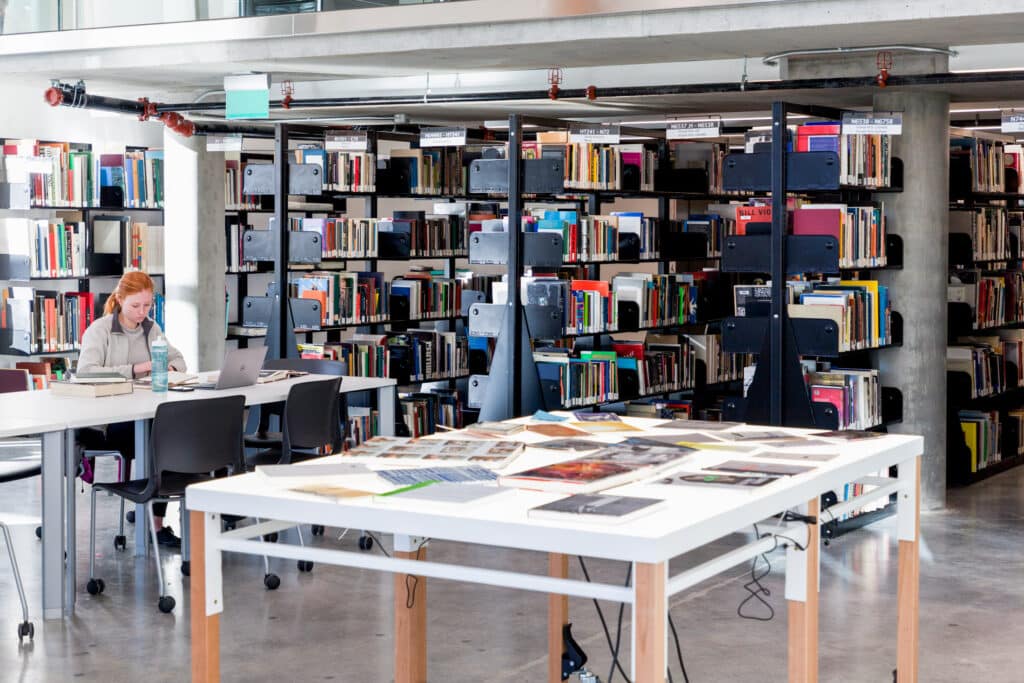
Library Services
Find everything you need to borrow books, access digital resources, get research help, print or book a study space.
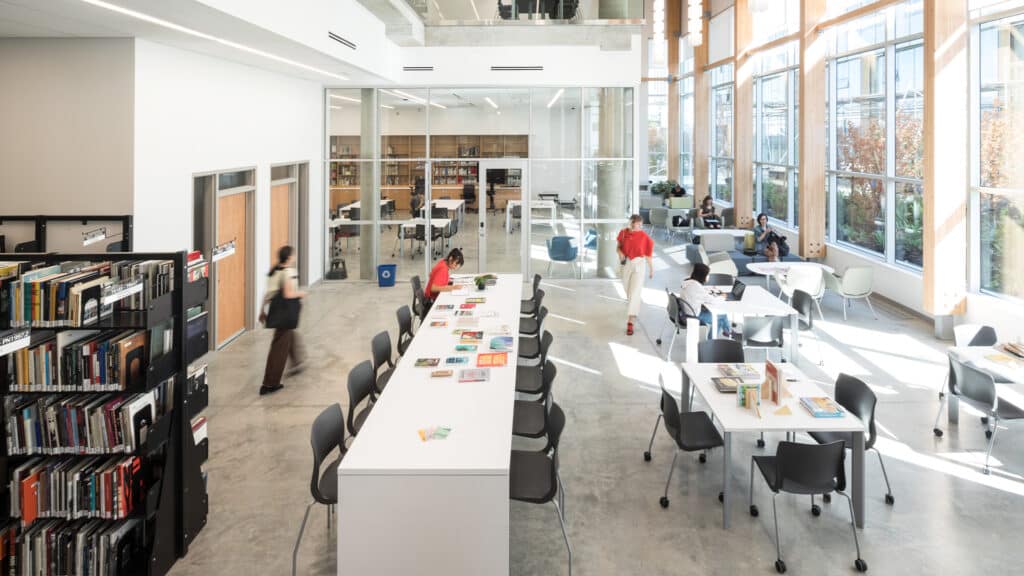
What’s in the Library + Where?
Use our maps to explore spaces and find what you need, from printers and study rooms to zines and graphic novels. Learn how to navigate our collections.
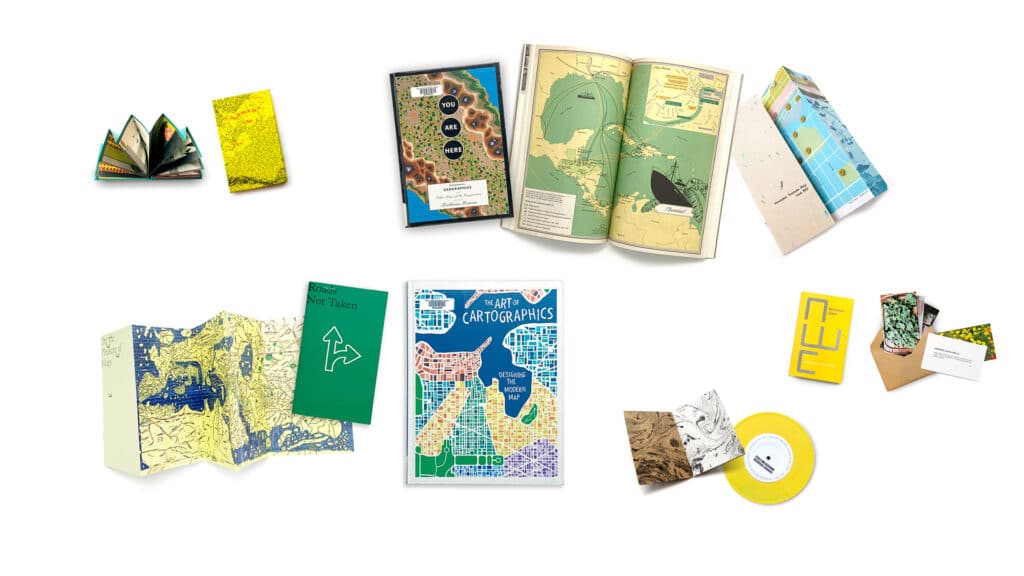
Our Collections
Discover our growing collection of books, media and online resources focused on contemporary art, design and media. You’ll also find archives dating back to 1925 and unique special collections, including Artists’ Books.