Equipment + Technology
Plug in, print out, get creative.
Need to print, scan or edit on a desktop computer? The ECU Library has the tools to bring your ideas to life. From everyday essentials to tech that supports your studio work, you’ll find what you need to create and share.
Printing
The library has two printers (both print black & white as well as colour) on the main level by the Service Desk. Find details about how to print.
Public Computer Use
Priority use of all library computers and equipment is reserved for ECU students, faculty and staff to help them meet the objectives of their studies, research or job-related tasks.
Guests to the campus may use the computers upon request. At certain times of day or at busy times of the school term, guests may be asked by library staff to vacate their computer so an ECU community member can use it to complete their library or study related work.
You are responsible for your own data security. All data stored on all public computers is deleted on a daily basis. Please save your work to an outside source (i.e. USB drive, OneDrive, email, etc.) and log out of your accounts when finished.
Library Equipment
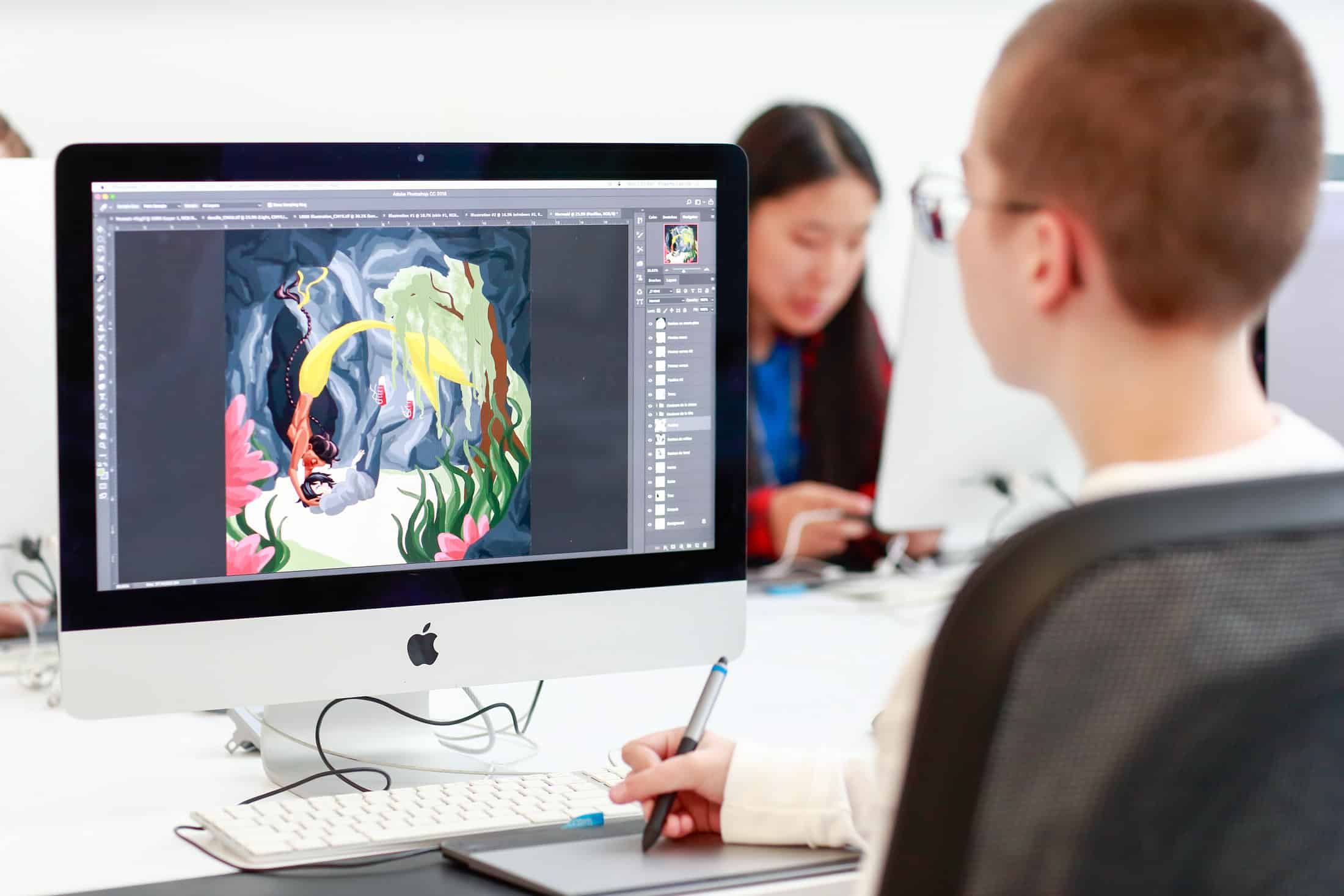
- 13 public Mac computers
- 2 quick access scanning stations with book edge flatbed scanner and ADF (automatic document feed) scanner. These can send documents directly to an email address, save to USB or save on cloud storage.
- 3 flatbed scanners
- 3 Media stations with DVD/Blu-ray players + VCR
- Black & white and colour laser printers
- Paper trimmer, 3 hole punch, stapler
- 4 light tables