Book a Study Room at the Library
Cramming solo? Brainstorming with your classmates? The Library has study rooms ready for you. Book one now.
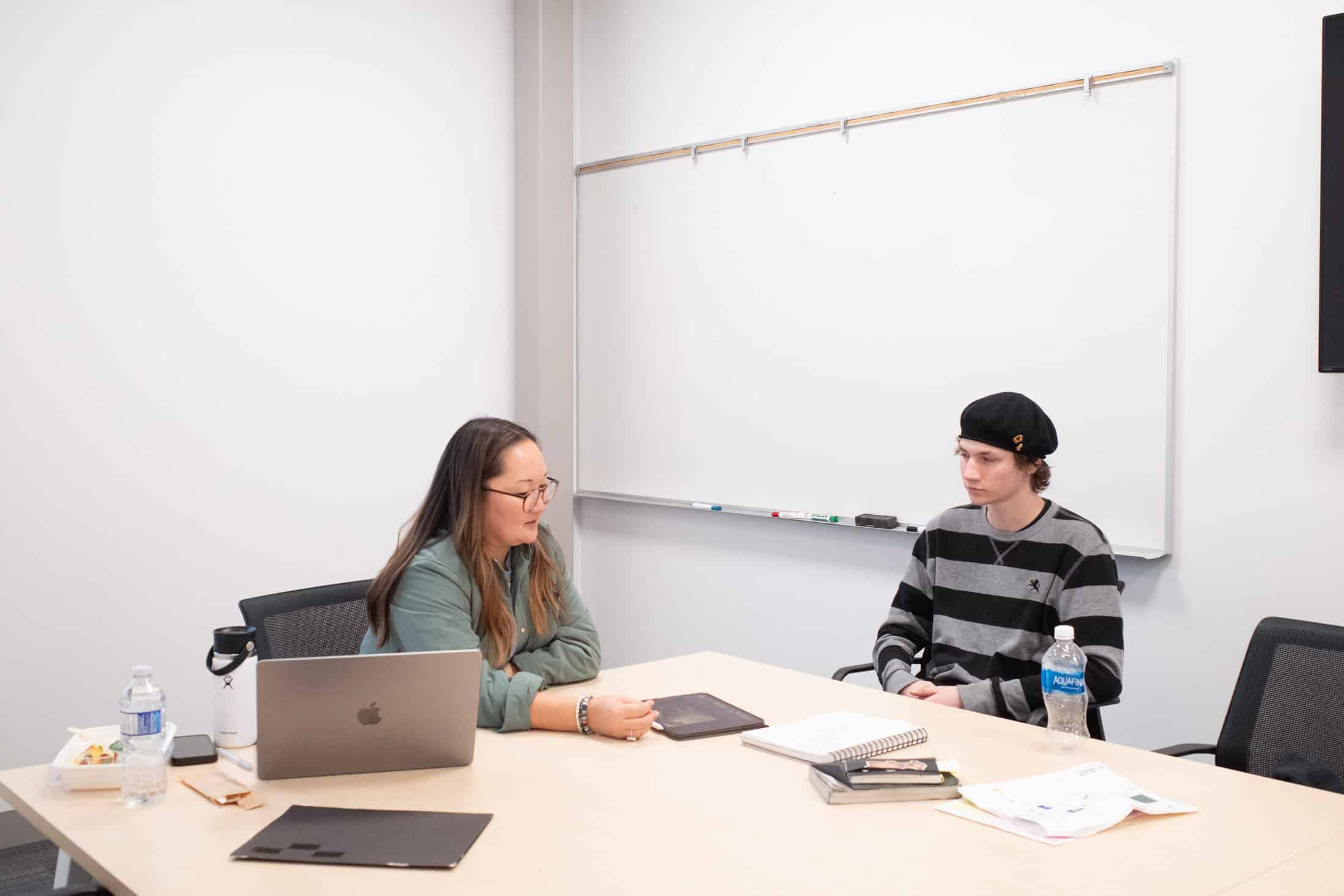
About Study Rooms
Study Rooms are located on the lower level of the Library. They are for student use only.
- C1261 (Room 4): for 4-6 people, in quiet study area
- C1234 (Room 1): for 10-12 people
- C1237 (Room 2): for 4-6 people
- C1236 (Room 3): for 4-6 people, media viewing station
How to Book a Study Room
- Go to the booking page.
- Under Select a Service, choose the booking duration. You can select between 30 minutes and up to a maximum of 3 hours.
- After selecting your ‘Service’, click on Select a Time. Choose a preferred date and available times will appear.
- If you have a specific room preference, you can use the Select a Staff dropdown menu to view and select from the available rooms.
- Next, Add your details: enter your first name and email address.
- Check the ‘I consent’ box, then click BOOK.
- You will receive a confirmation email with the booking details. You also have the option to add your reservation to your Outlook Calendar.
- You can cancel or create additional bookings from the confirmation page. Please cancel any bookings you are unable to attend, as the study rooms are in high demand.